Popup Builder for WordPress

QuickPop Overview
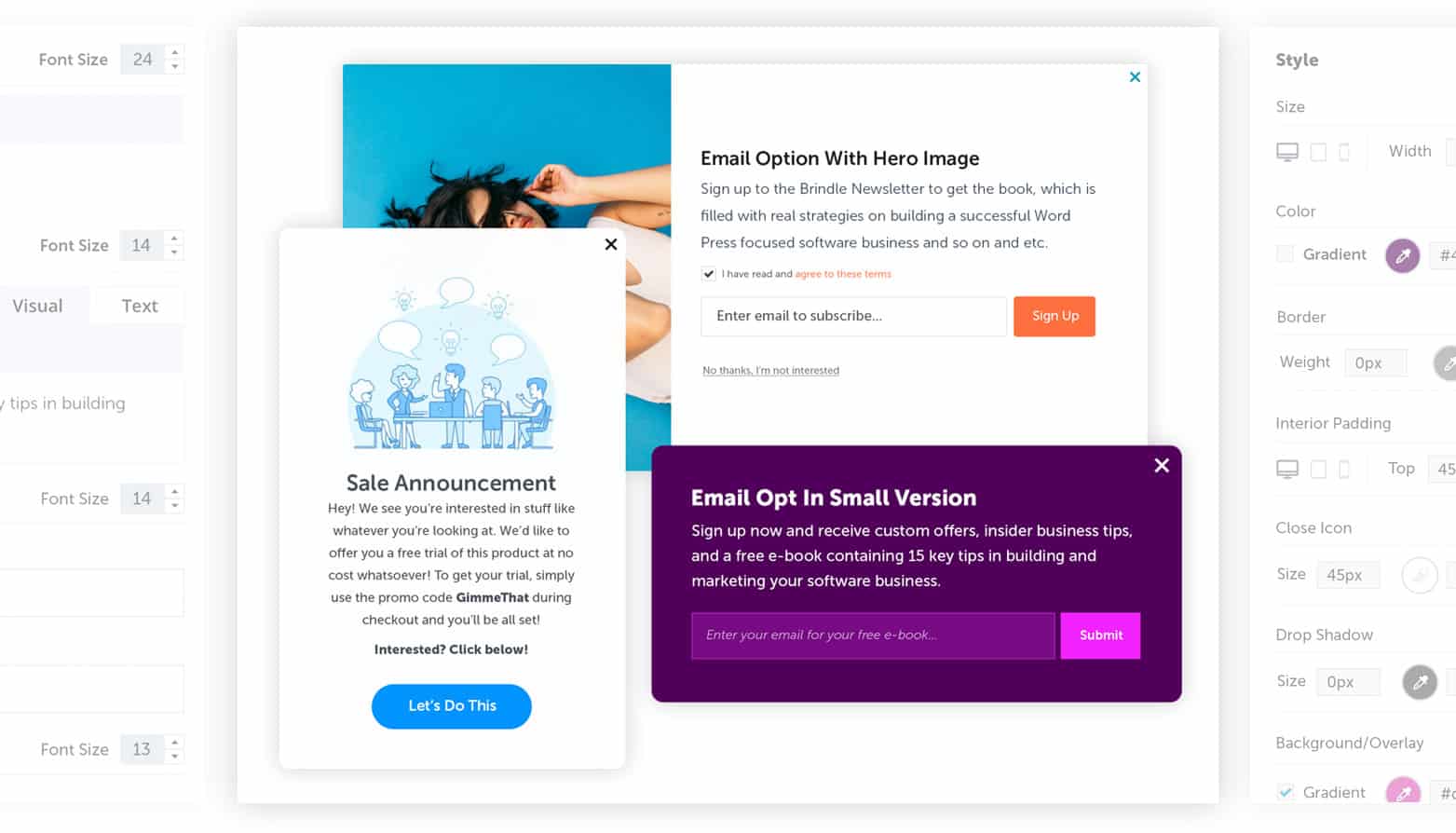
QuickPop lets you build a complete library of popups, each with their own style and behaviors.
Email Opt-in Popup
Trigger popups on click, or specific event and watch your email lists grow. Complete integration with your favorite third party services like Hubspot and Mailchimp are icing on the cake.
Fully Responsive Popups
Did you know that 85% of website engagement is from mobile devices? Whether on tablet or phone, these fully responsive WordPress popups will display with pixel perfection.
Intuitive Popup Builder
Craft any popup you can imagine with our incredibly easy to use popup builder. Every single element of the popup, from style to sizing to included items, can be customized to perfection.
Industry Leading Design and Tech
Design is everything here and Brindle, and our solutions are as intuitive as they are beautiful. These are not only the best looking popups you’ll find, but they’re also built on top of pristine code and ultra-modern effects.
Multiple Popups, Unlimited Goals.
Your library of popups will go to work exactly how you need them to. Quickly design multiple popups, set their behaviors, and watch your campaigns grow.
ON CLICK
Whether from button or link
ON EXIT
On scrolling to top of browser
ON SCROLL
Anchor-based on any page area
TIME BASED
Specify delay after page load
The Dashboard
QuickPop’s intuitive admin is designed with simplicity in mind. Craft and deploy the perfect popup in minutes.
—Jeremy, QuickPop Customer
QuickPop Features
Dedicated Tech Support Included
Perhaps our most popular feature, you'll get access to our exceptional support.
Full Control Over Design Elements
Tweak every aspect of your popups — from rounded corners, to the perfect colors.
Color & Gradients Across the Board
Endless color combinations, including gradients, can be applied to every aspect.
Unlimited Unique Popups Included
Endless popups, each with their own style and goals, organized in an intuitive library.
Add Some Style With Animated Popups
Slide, fade, and other animations (dance moves?) add the special sauce.
The Perfect Popup Builder & Admin Area
Build, edit, and manage your popups in the most intuitive admin area available.
Customize Popup Forms & Fields
Whether collecting emails or promoting your online store, these popups do forms right.
Fully Responsive WordPress Popups
Pinch, swipe, click. QuickPop responsive popups display perfectly on any device.
More screens